
Description
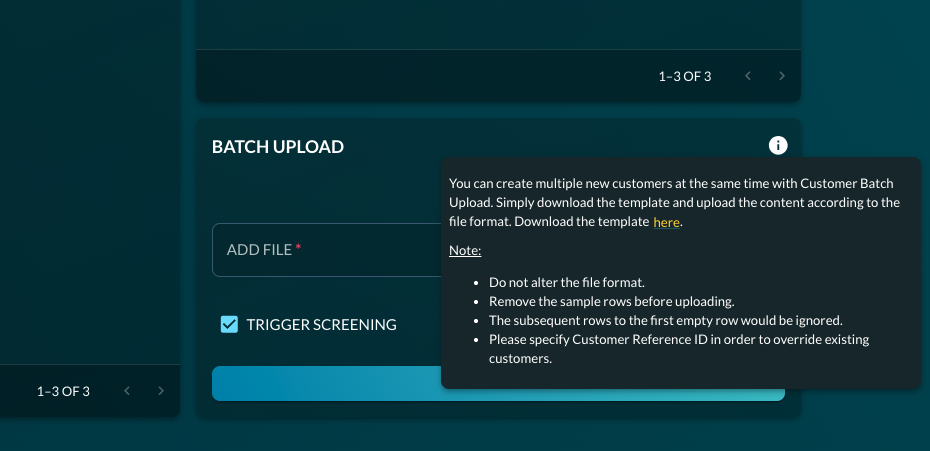
You can create multiple new customers at once using the Customer Batch Upload feature. Simply download the template and populate it according to the required file format. Navigation:Log In to Artemis Dashboard → Add New Customers → Batch Upload → Hover the ‘i’ icon in the BATCH UPLOAD card
Important Notes
- Do not alter the template file format.
- Remove all sample rows before uploading.
- Rows after the first empty row will be ignored.
- Maximum 1,000 rows per batch upload.
- All dates must be in DD/MM/YYYY format.
- To update an existing customer, specify the Customer Reference ID.